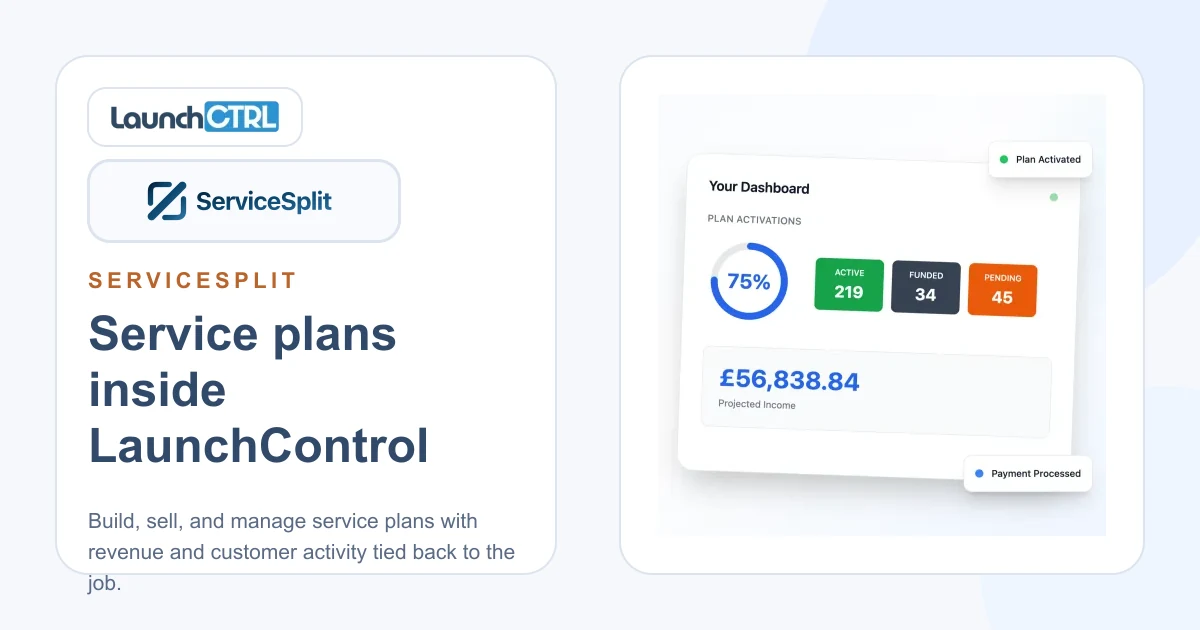
Service Plans for Garages: Revenue with ServiceSplit
Turn one-off customers into committed regulars with predictable monthly revenue. Create service plans inside LaunchControl powered by ServiceSplit.
service plansServiceSplitrecurring revenue

 Google Calendar
LaunchControl syncs bookings, services, and appointments straight into Google Calendar — company-wide or for each technician — so your team always sees the latest schedule on any device.
Every booking you make in LaunchControl flows automatically into Google Calendar. Open it on your phone, share it with the team, or keep it on the workshop TV — no manual entry, no missed jobs, always up to date.
LaunchControl stays the source of truth. Your workshop schedule flows cleanly into Google Calendar, so nothing ever falls out of sync.
Changes made in Google Calendar do not flow back into LaunchControl — keeping your workshop data accurate and consistent.
Push every workshop booking into a single shared Google Calendar so the whole team — reception, service advisors, and technicians — can see the day at a glance from any device.
Sync each technician's jobs into their own Google Calendar. Mobile technicians see exactly what's on today without needing to log in to LaunchControl.
LaunchControl stays the source of truth. Bookings, updates, and cancellations flow into Google Calendar automatically — but your workshop data is never overwritten by external edits.
New bookings, time changes, and cancellations appear in Google Calendar within seconds. No polling, no refreshing, no waiting.
Connect a personal Google account or a Google Workspace account. Whatever your team already uses, the integration just works.
Authorise LaunchControl with your existing Google account using a standard secure sign-in. No IT support required, no new passwords to create.
Prefer one account to manage everything? Log in to LaunchControl with your Google account and authenticate the calendar integration in the same step. One click, one account, no extra passwords.
It's a clean one-way sync. Bookings, updates, and cancellations flow from LaunchControl into Google Calendar, but edits made inside Google Calendar do not flow back. This keeps LaunchControl as the single source of truth for your workshop schedule.
Practical guides and industry insights for independent workshops
Turn one-off customers into committed regulars with predictable monthly revenue. Create service plans inside LaunchControl powered by ServiceSplit.

Order LKQ Euro Car Parts directly from your job cards. Real-time stock, accurate pricing, and rebates that can cover your entire LaunchControl subscription.
For workshop owners who want a straightforward way to manage their business, win work, and keep customers coming back.
Google, Google Calendar, and the Google Calendar logo are trademarks of Google LLC. LaunchControl is not affiliated with, endorsed by, or sponsored by Google.